Add results from a screenshot
Let Trackaswim read a results screenshot for you.
If the results are on Meet Mobile, a results website or an email, Trackaswim can read them from a screenshot so you don't have to type each time.
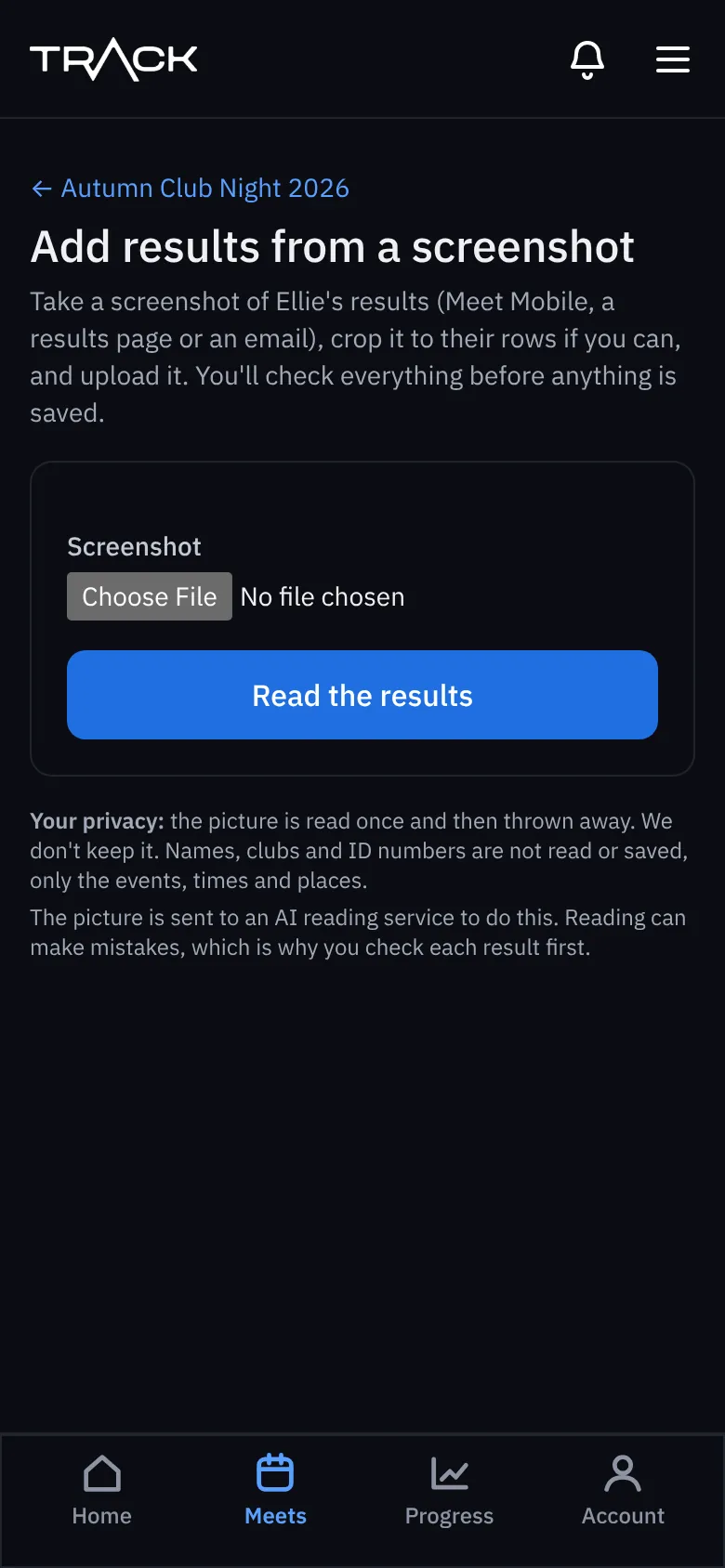
- Take a screenshot of your swimmer's results. Crop it to their rows if you can.
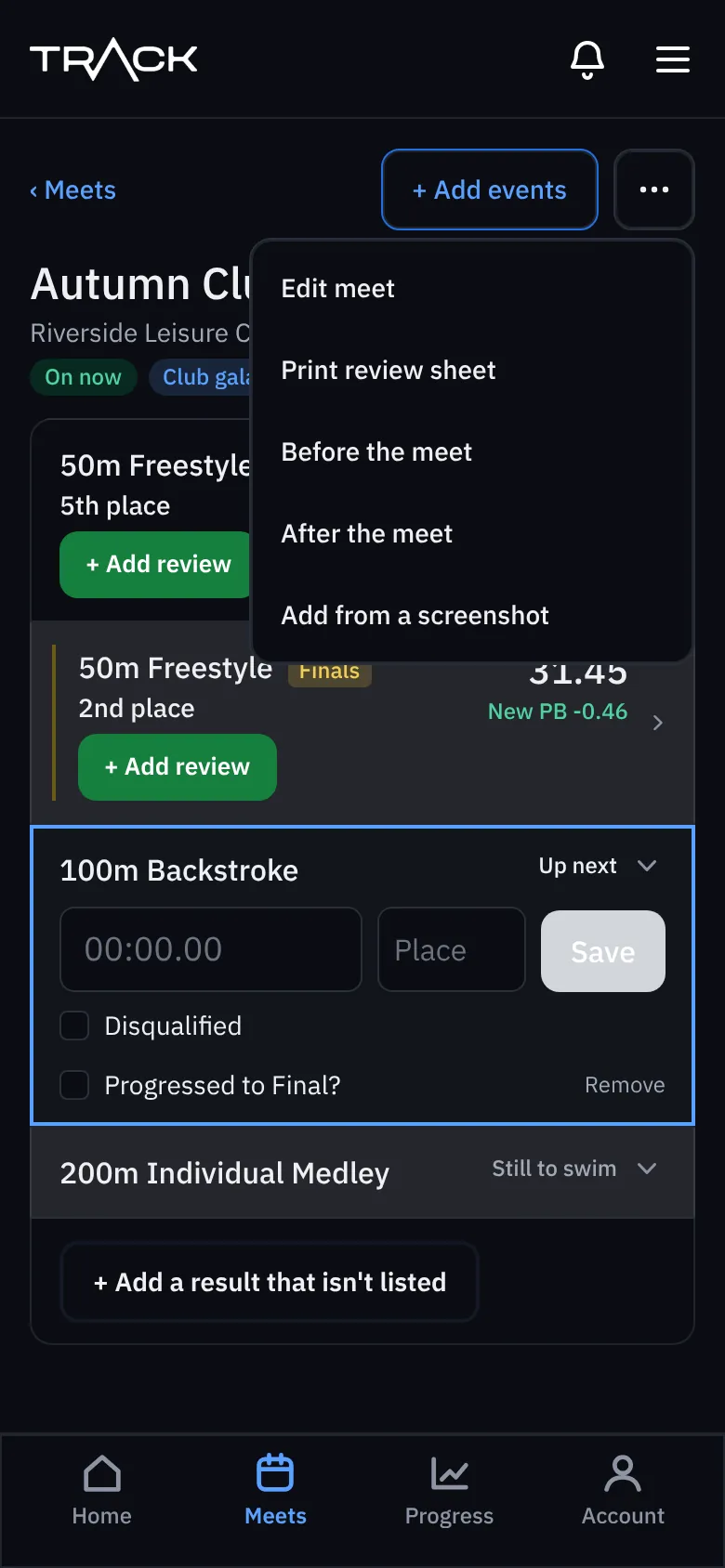
- Open the meet, press the ⋯ menu at the top and choose Add from a screenshot. (This is there once the meet has started.)
- Choose the screenshot and press Read the results.
- Check every result it found. Change anything that's wrong and untick anything you don't want.
- Save. Nothing is saved until you do.