
Enter times on the day
Type the time poolside and see a PB straight away.
This is what Trackaswim is for: the time goes in at the poolside, and you see straight away whether it's a PB.
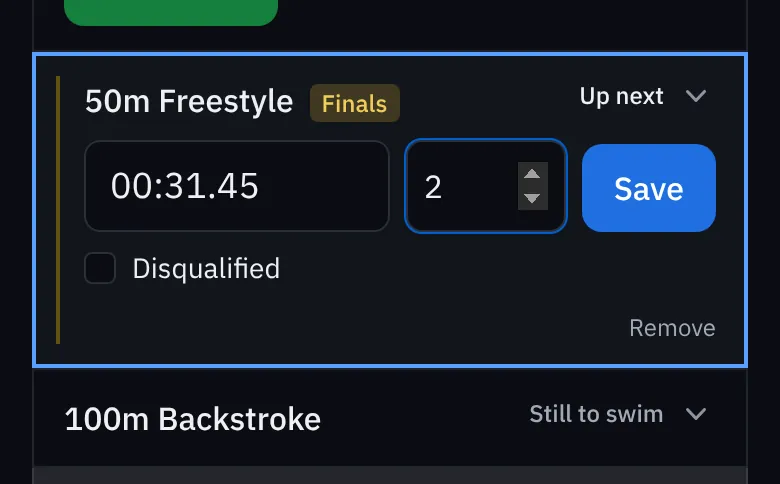
- On Home, press Enter times on the meet that's on today. (Or open the meet from Meets.) The next event is already open, marked Up next.
- Type the time. Just type the numbers: 3145 becomes 31.45 and 11019 becomes 1:10.19.
- Type the place if you know it (optional).
- Press Save.
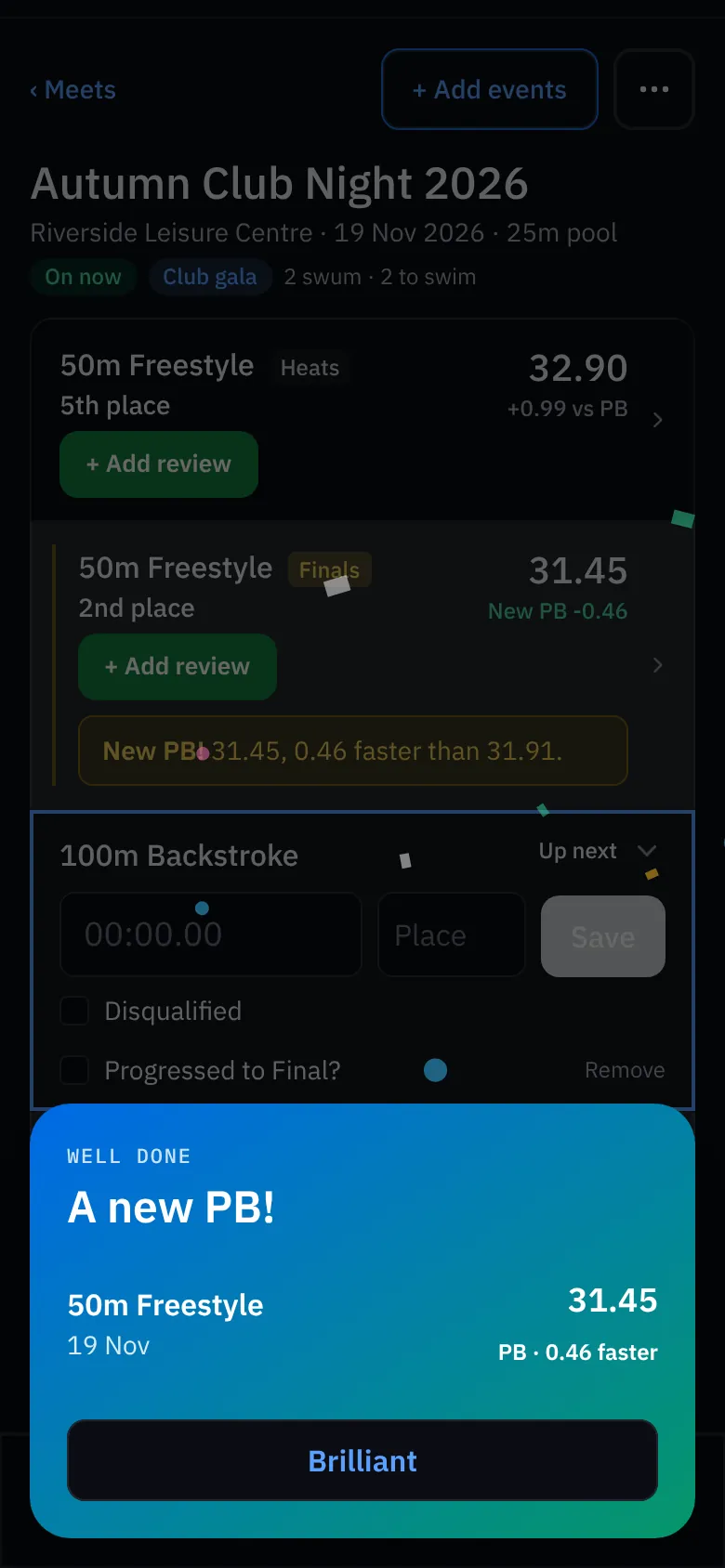
If it's a new personal best you'll see it straight away, with confetti. Otherwise the race shows how far it was from the PB.
Disqualified, heats and finals
- Disqualified: tick Disqualified instead of typing a time. It counts as a race, but never as a PB.
- Through to a final: tick Progressed to final when you save the heat, and the final appears in the list.
- A race that isn't listed (a swim-off, a late entry): press + Add a result that isn't listed at the bottom of the meet.
- Several days: on a meet that runs over more than one day, choose which day the swim was.