
Several swimmers at one meet
One screen for everyone in the family at the gala.
More than one of your children at the same gala? Meet day puts everyone on one screen, so you can type each time as it happens without switching swimmers.
- Open the meet and press the ⋯ menu.
- Choose Meet day (everyone here).
- Each swimmer's events are listed. Press Add time next to an event to enter it.
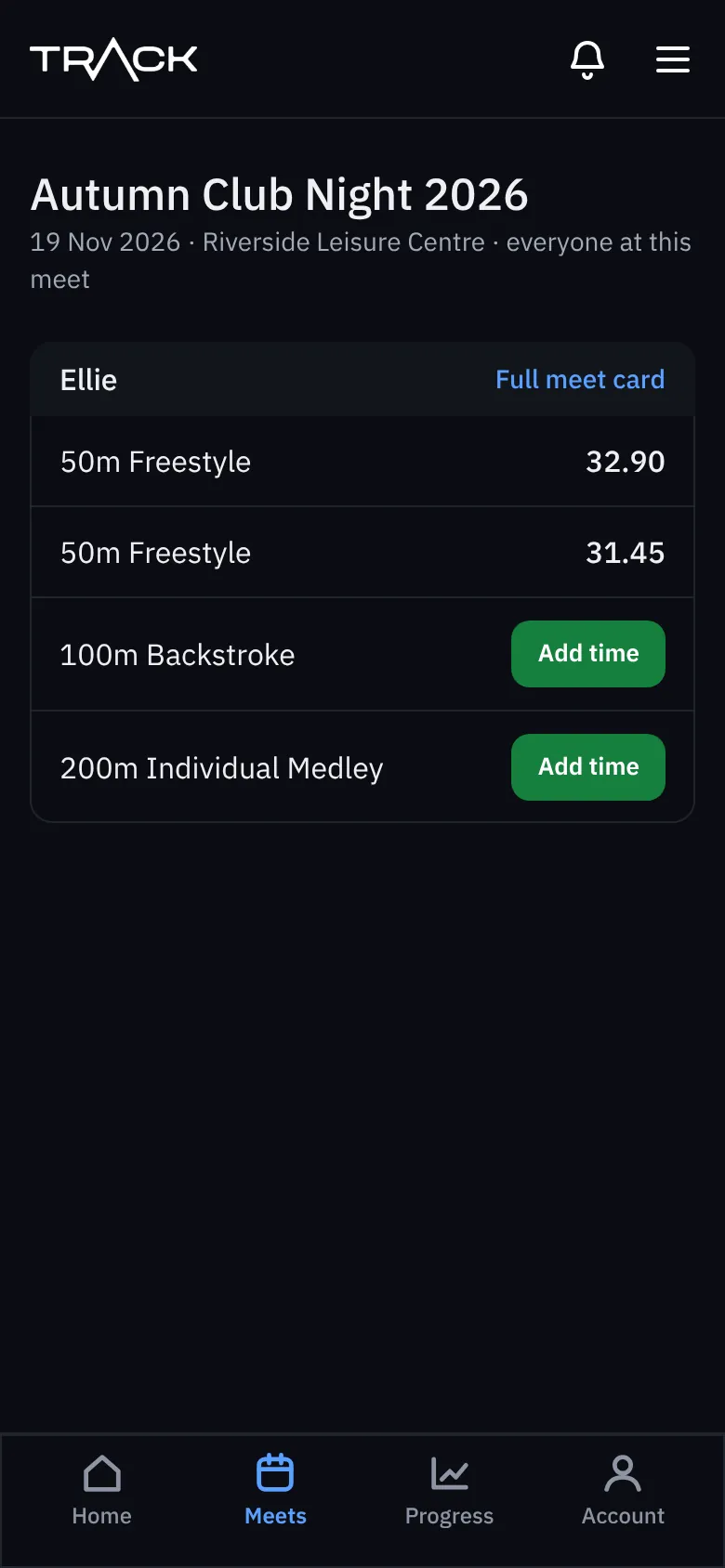
Everyone you ticked under Who is swimming? when you added the meet is on it. Forgot someone? Add the meet again for them with the same dates and pool, and choose Use this when Trackaswim offers the meet you already have.