Plan the events
Choose the races your swimmer has entered.
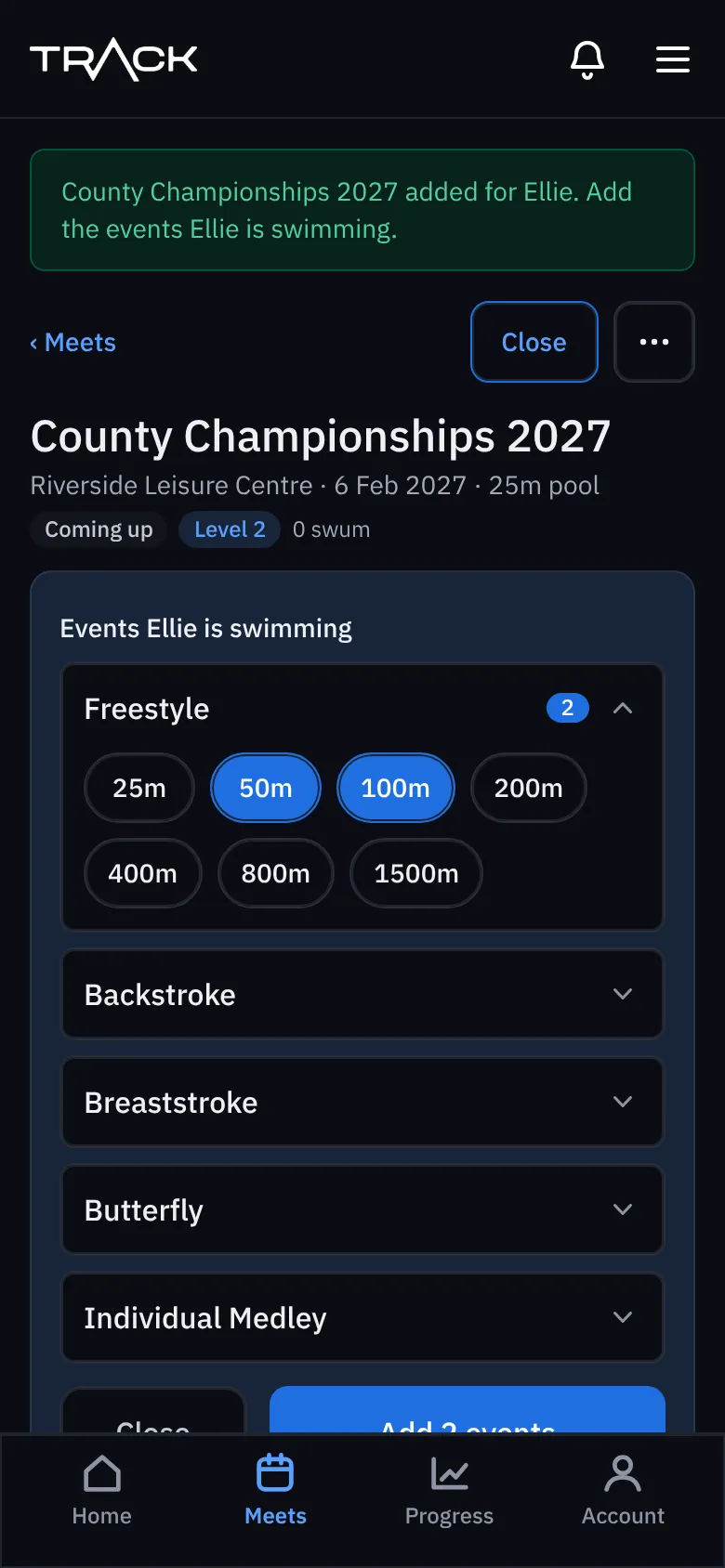
Once the meet is saved, the event picker opens. Choose every race your swimmer has entered.
- Tap a stroke (Freestyle, Backstroke, Breaststroke, Butterfly or Individual Medley) to open it.
- Tap each distance they're swimming. Tap again to take it off.
- Press Add events at the bottom.
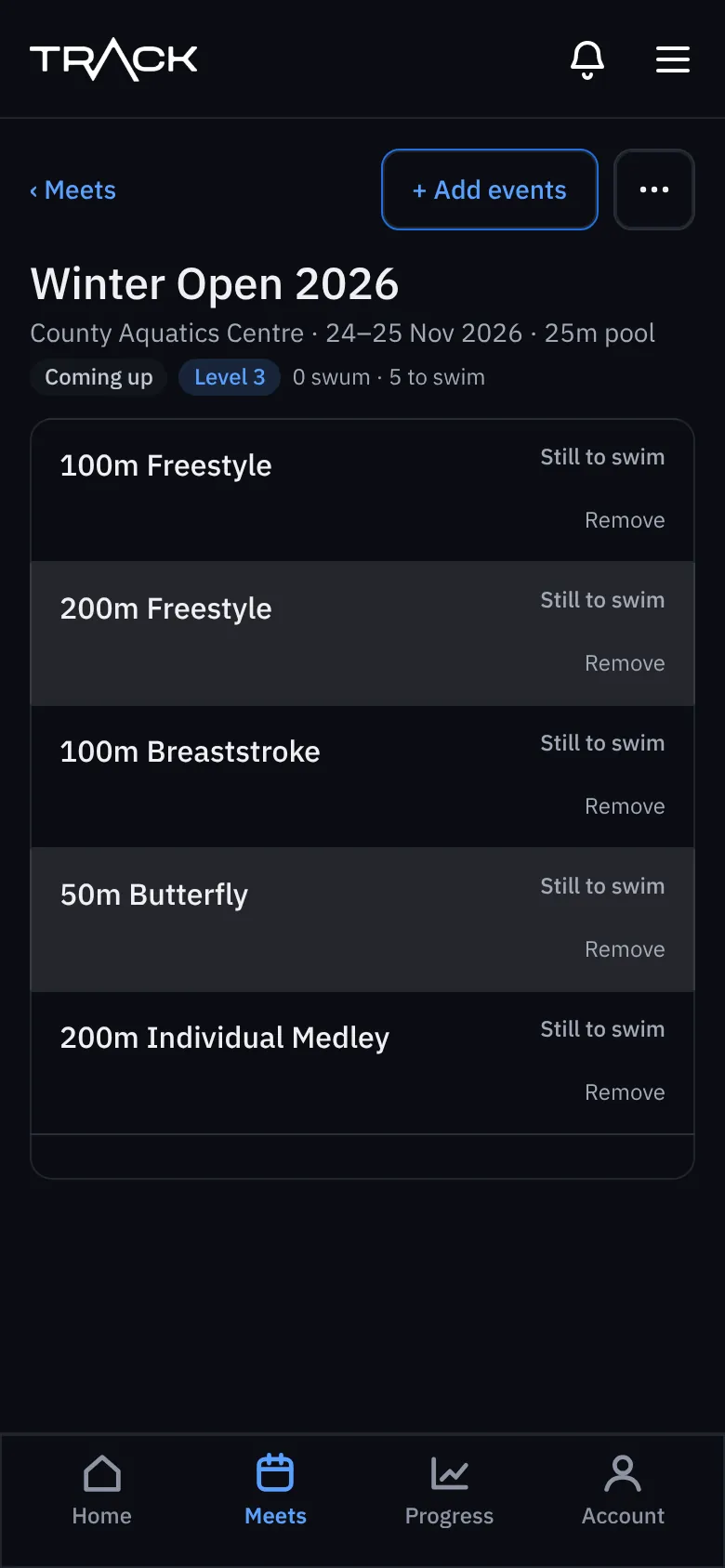
The meet now lists each event as Still to swim. To add more later, press + Add events at the top of the meet. To take one off, press Remove under it (before it has a time).