
Change or remove a meet or a race
Fix a time, a place, a meet name or a mistake.
Fix a time or place
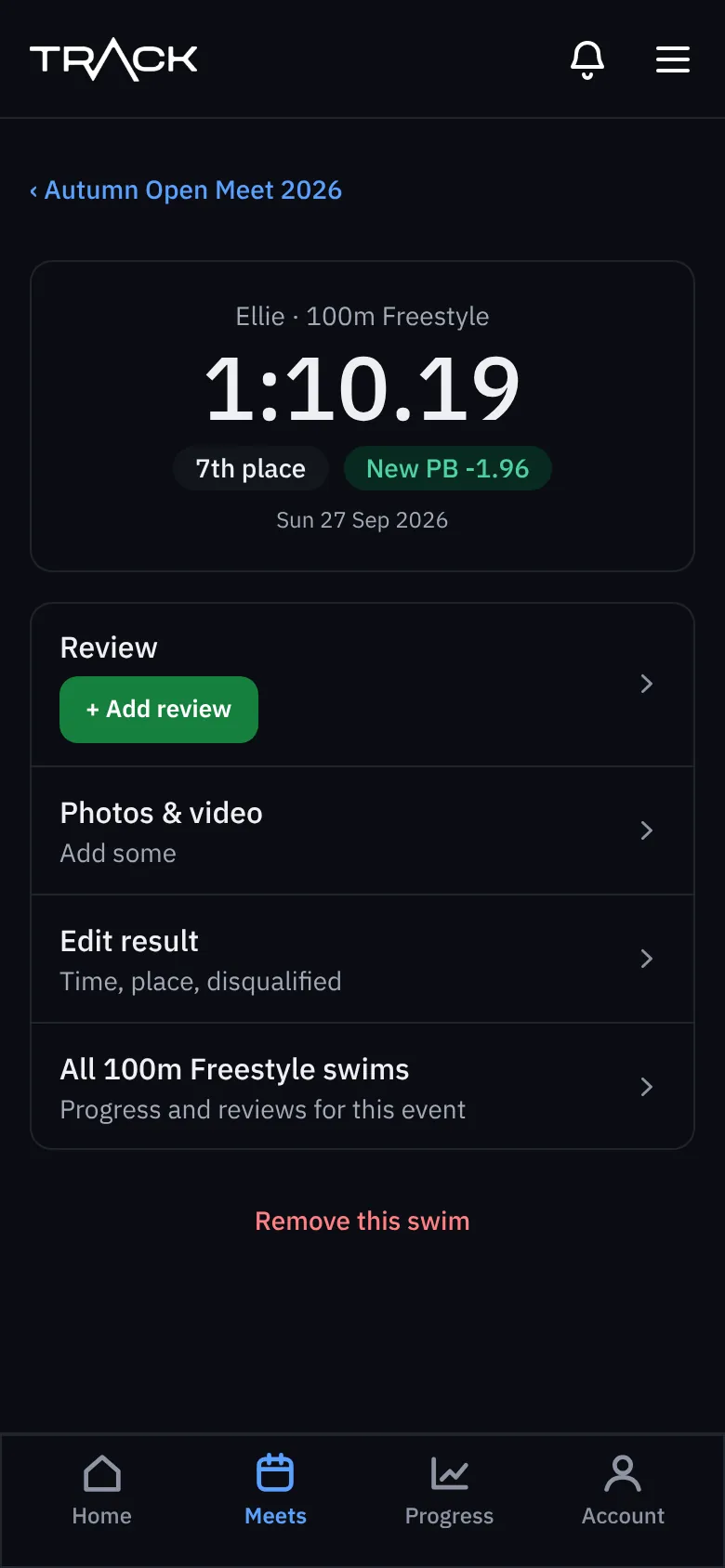
- Tap the race (in the meet, or in All results) to open it.
- Press Edit result.
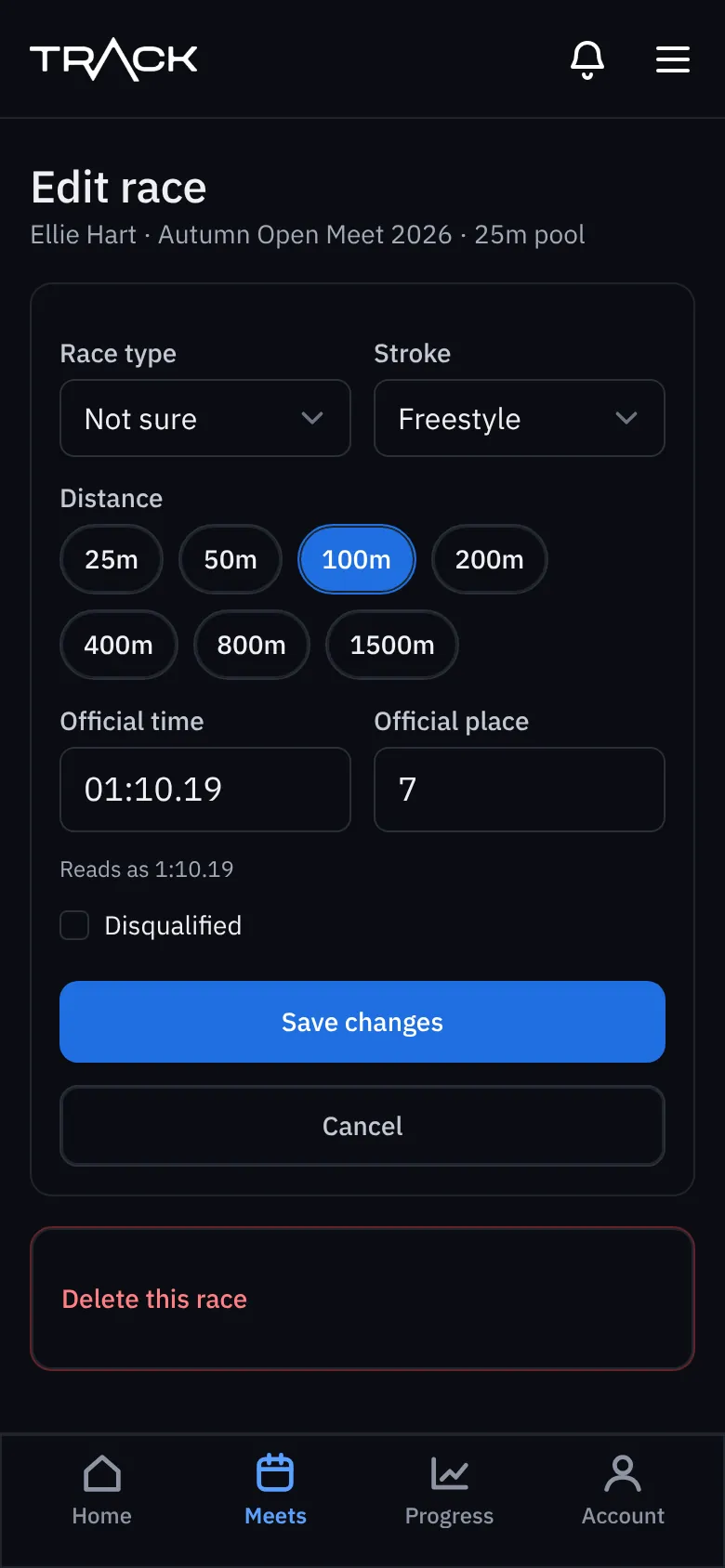
- Change the time, place, race type (heats, finals and so on), stroke or distance, or tick Disqualified.
- Press Save changes.
PBs are worked out again straight away, so if you fix a wrong time, everything after it updates too.
Remove a race
Open the race and press Remove this swim at the bottom, or Delete this race on the edit screen.
Change a meet
Open the meet, press ⋯ and choose Edit meet to change the name, place, dates, pool length or level. This is only there before the meet starts, so the details can't change under times you've already typed.