
Find your way around
Home, the swimmer page, the menu and the bell.
Home
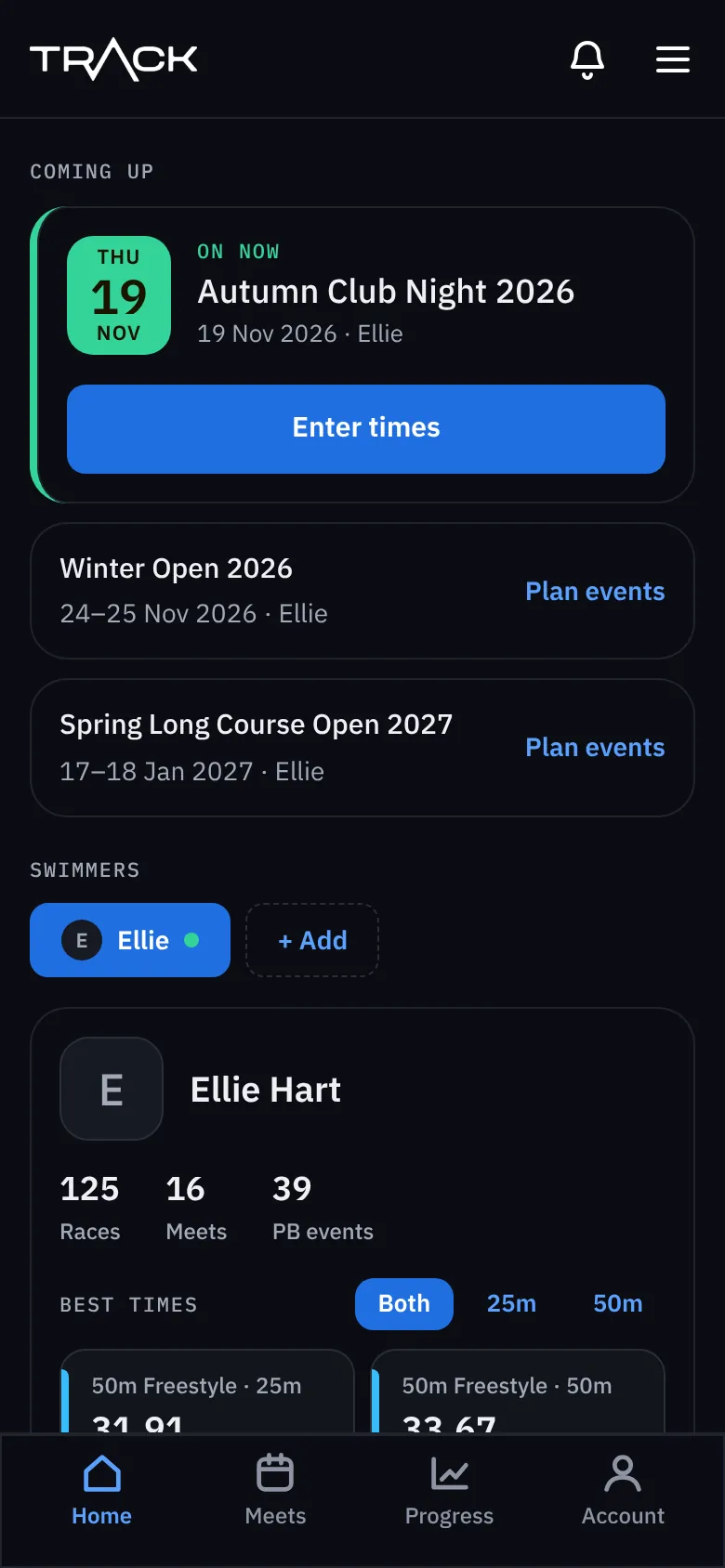
Home shows what matters now: the meet that's on today (with Enter times), meets coming up (with Plan events), your swimmers, and their best times. With more than one swimmer, tap a name to switch between them.
Getting around on a phone
The bar along the bottom has Home, Meets, Progress and Account. On a computer the same places are in the menu along the top, with County times and Journal as well.
The swimmer page
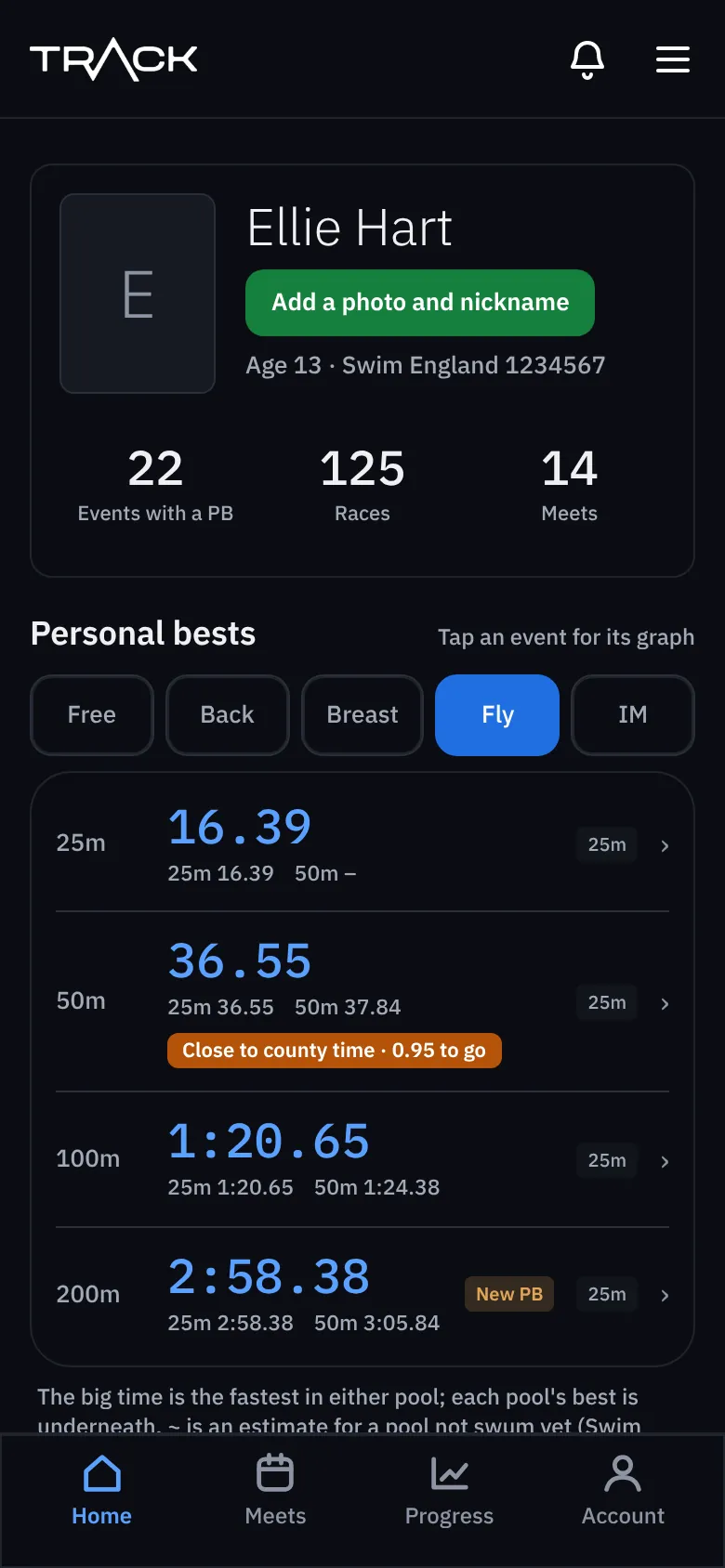
Tap a swimmer's name or picture to open their page. At the top: their personal bests by stroke. Underneath, everything else about them is grouped together.
- Races: meets and races, race reviews, all results.
- Progress: progress by season, goals, county times.
- Journal and history: the journal, and past results.
- Manage: edit profile, notifications, and their own login.
The bell
The bell at the top tells you about new PBs, goals reached, county times and messages from us. A number on the bell means something new. See Notifications and the bell .