
Notifications and the bell
What shows in the bell, and how to switch it.
The bell at the top of every page collects the things worth knowing: new PBs, goals set and reached, county times, files ready, and messages from us.
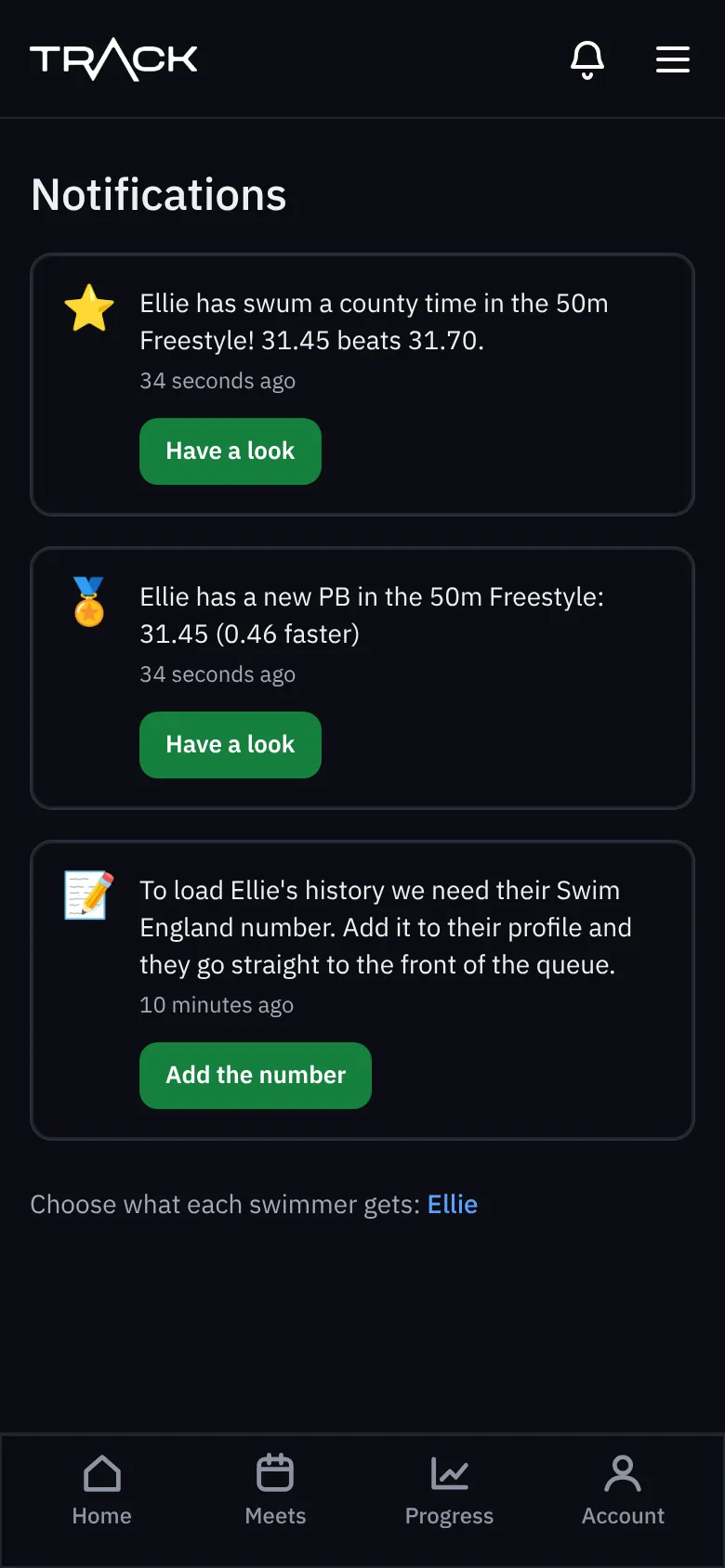
Choose what shows
Open the swimmer page, scroll to Manage and choose Notifications. Switch each one on or off; it saves straight away.
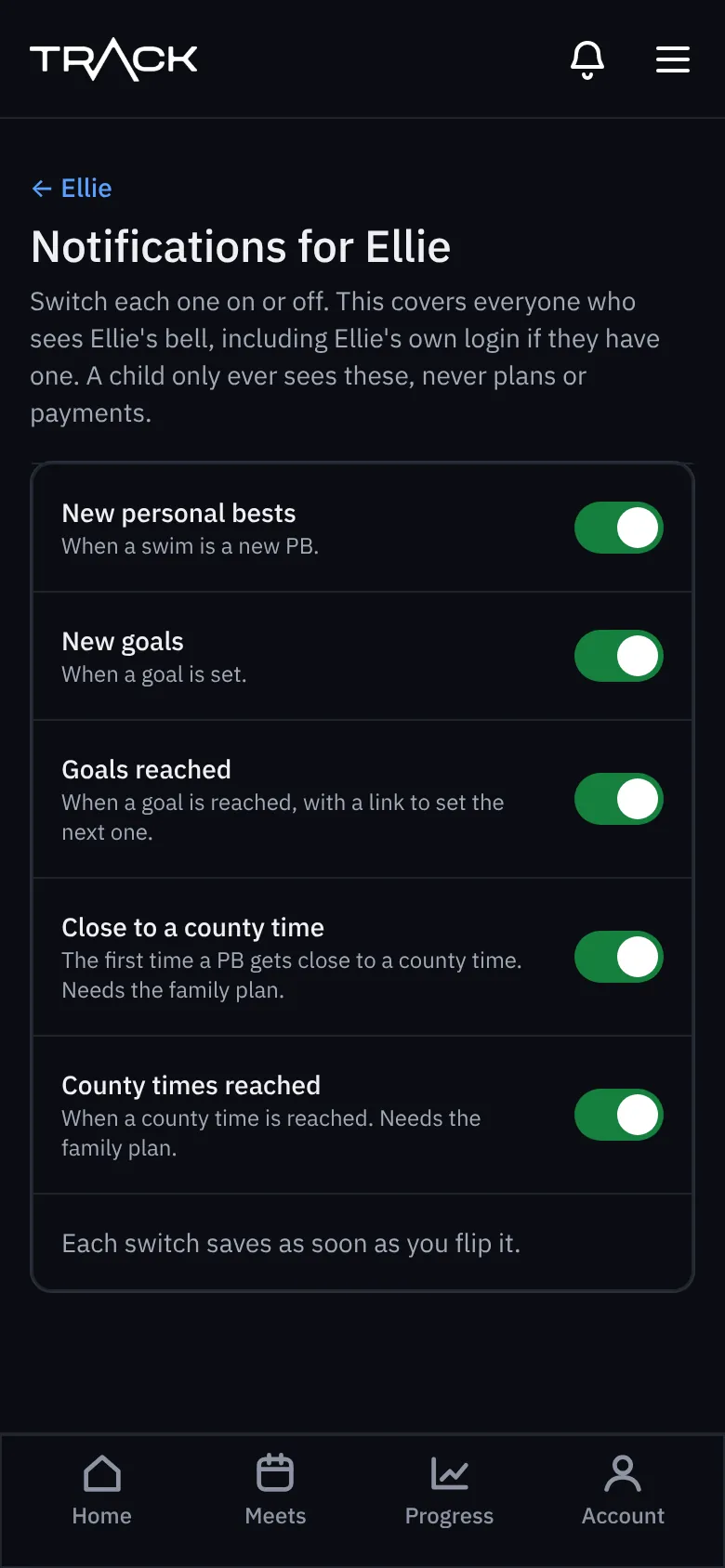
- New personal bests
- New goals and goals reached
- Close to a county time and county times reached (family plan)
These settings cover everyone who sees that swimmer's bell, including their own login if they have one.