
Photos and video
Keep pictures and clips with the race they belong to.
Keep photos and video with the race they belong to.
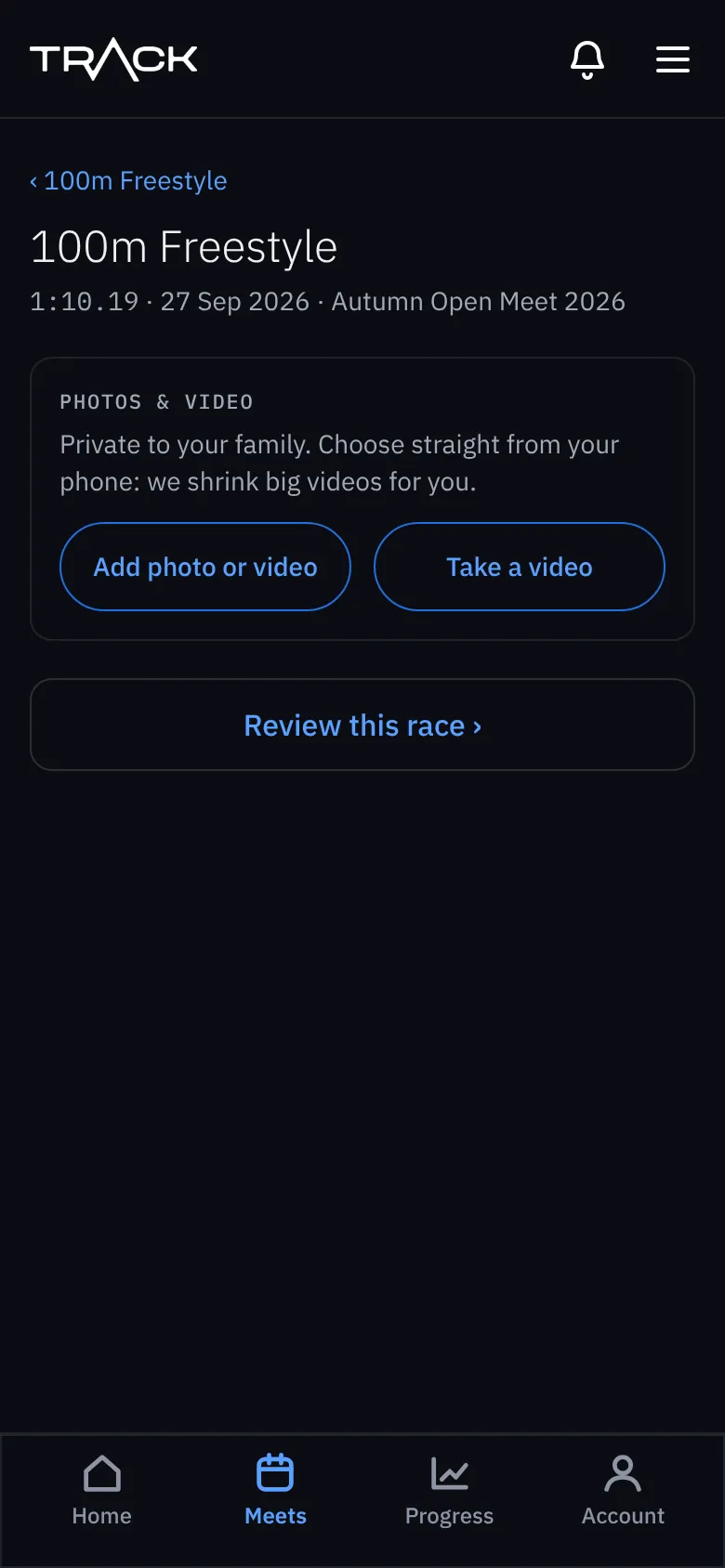
- Open the race and press Photos & video.
- Press Add photo or video to choose from your phone, or Take a video to film now.
- Wait for it to upload. Big videos are shrunk for you in the background, and you get a note in the bell when it's ready.
- Up to 12 files per race. Videos can be up to 15 minutes long.
- Most phone photo and video types work, including iPhone photos.
- On the meet page, a camera icon shows races with photos and a film icon shows races with video.
- To keep a copy or send it to someone, open it and press Save, then share the file from your phone.