
Goals
Set a target time and see how close each swim gets.
A goal is a target time for one event, in one pool, by a date. Trackaswim shows how close each swim gets.
Set a goal
- Open Goals (on the swimmer page under Progress) and press Add a goal. You can also set one from an event's graph.
- Choose the event and the pool.
- Type the target time and, if you like, a target date.
- Save.
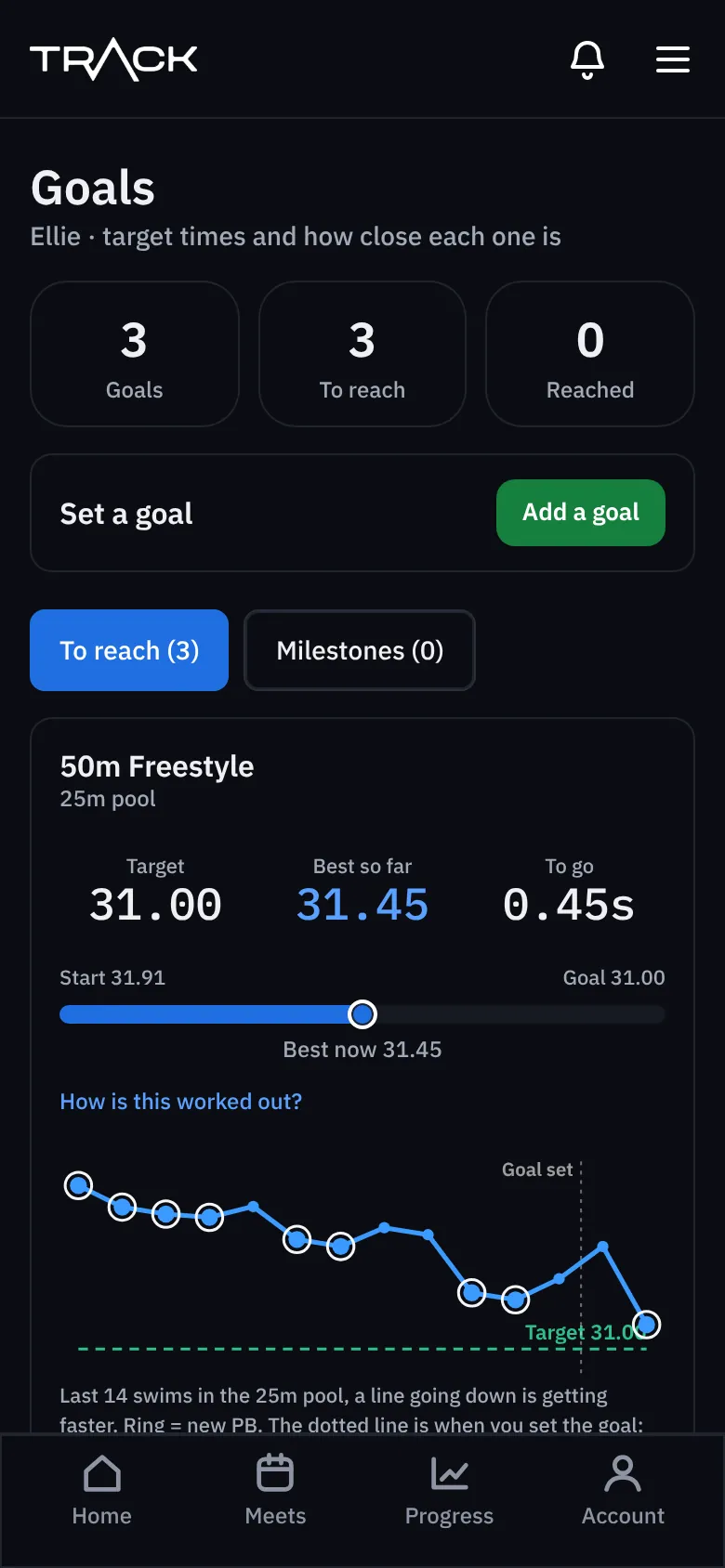
Reading a goal
- Target, best so far and to go.
- A bar from where they started to the target.
- With a date: the days left, and how much faster each month that needs.
- Only swims in the goal's pool count. A time in the other pool doesn't.
When a goal is reached it moves to Milestones (with the date and the time that did it), and you're invited to set the next one.