
Create your account
Sign up, confirm your email and accept the terms.
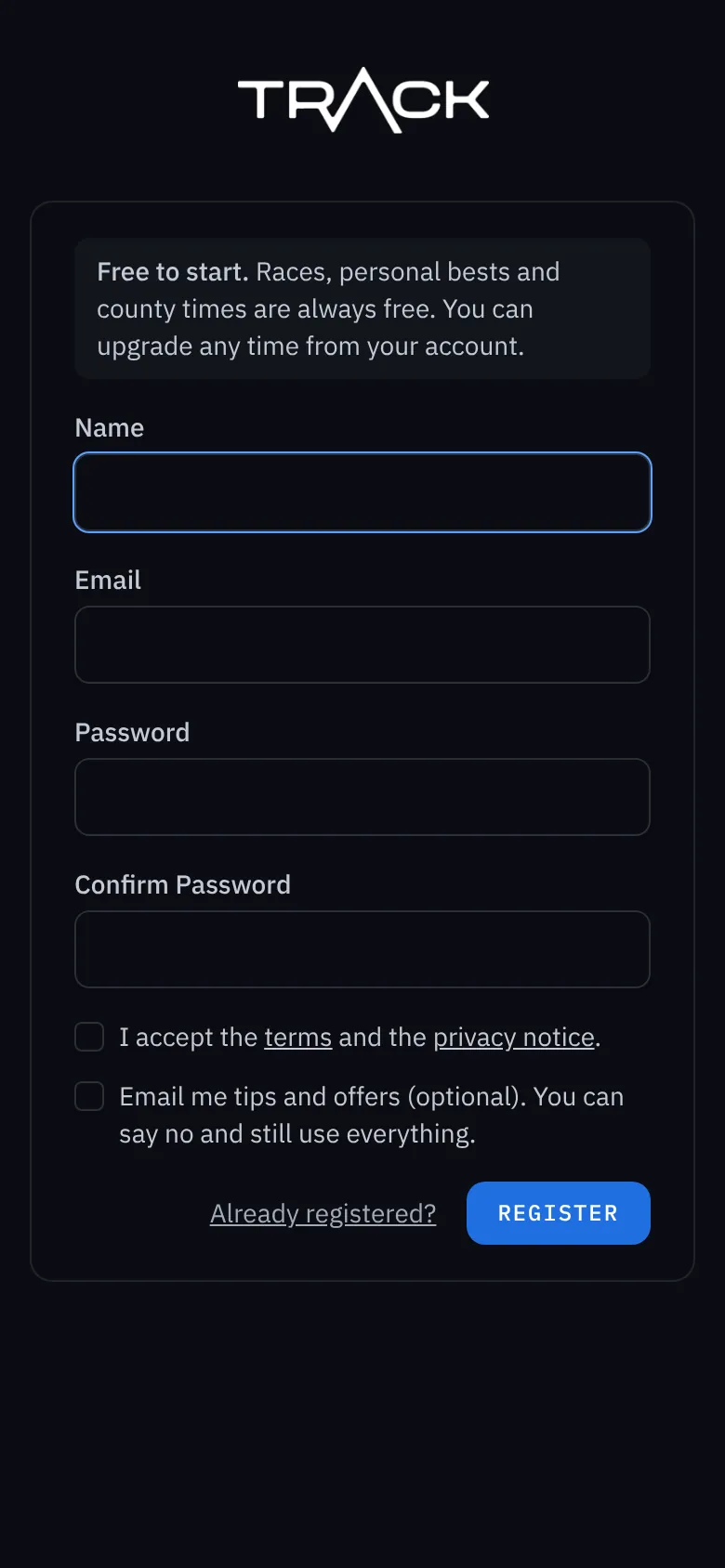
Trackaswim is free to start. Races, personal bests and county times are free for ever, and you can add the family plan whenever you like.
Sign up
- Go to app.trackaswim.com and choose Register.
- Type your name, your email address and a password (at least 8 characters), then type the password again.
- Tick I accept the terms and the privacy notice. You can read both before you tick.
- Tips and offers by email are optional. Leave that box empty and you still get everything.
- Press Register.
Confirm your email
We send you an email with a link. Press the link to confirm it's your address, and you're in. If it hasn't arrived after a few minutes, look in your spam or junk folder, or ask for another one from the page you see after signing up.
Logging in next time
Use your email address and password. Tick Remember me on your own phone so you stay logged in. Forgotten your password? Press Forgot your password? on the log-in page and we email you a link to set a new one.