
Import past results yourself
Bring in Swim England results from their PDFs.
Bring your swimmer's past results in from the Swim England results website, so their graphs, goals and county times start with their real history. You download a PDF for each event and upload them together.
You'll need their Swim England membership number on their profile first, so we can check each file is theirs.
- Open the swimmer page and choose Import past results.
- Press an event (for example 50m Free · Short 25m). It opens your swimmer's page for that event on the Swim England results site in a new tab.
- At the bottom of that page, press Download PDF.
- Do the same for each event they've swum. Short course and long course are separate pages. Events they've never swum have nothing to download, so skip them.
- Back in Trackaswim, choose all the PDFs together (you can select several at once), tick that they're your swimmer's own results, and press Read the files.
- Check what was found and confirm. Swims you already have aren't added twice.
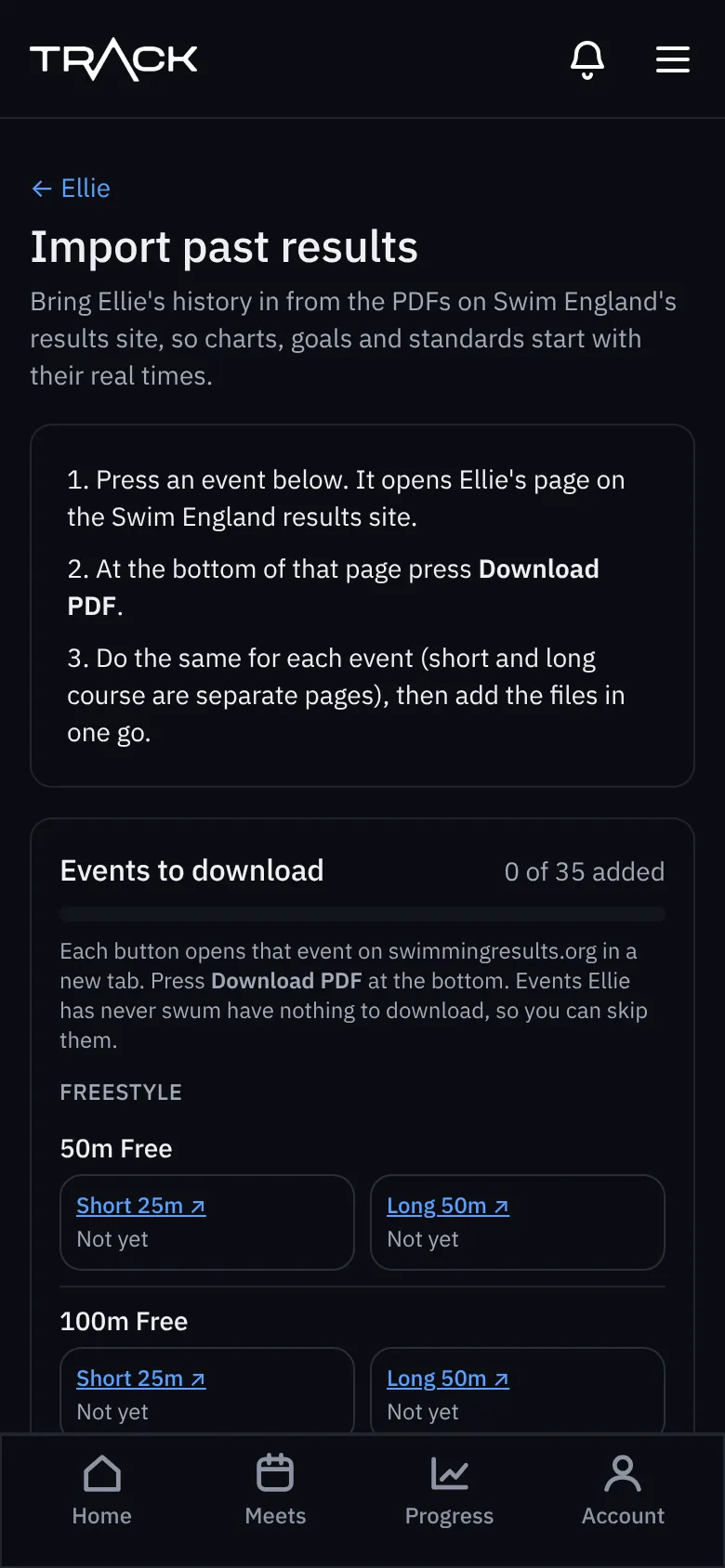
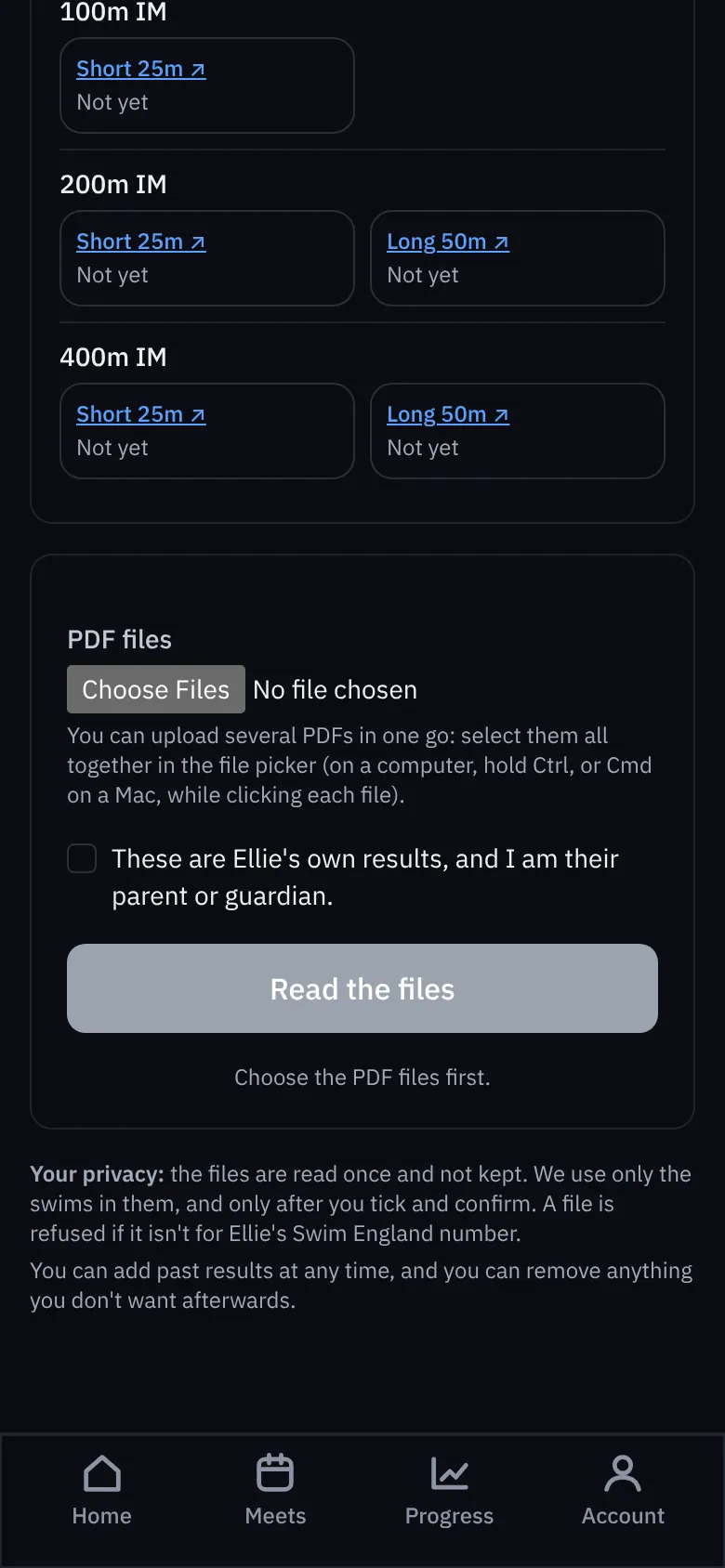
Each event ticks off as it's added, so you can do some now and the rest later.