
Contact us and support access
Ask us anything, or let us look at your account.
Contact us
Open Account and press Contact us (or use the link at the bottom of any help page). Choose what it's about, type your message and press Send. We reply by email.
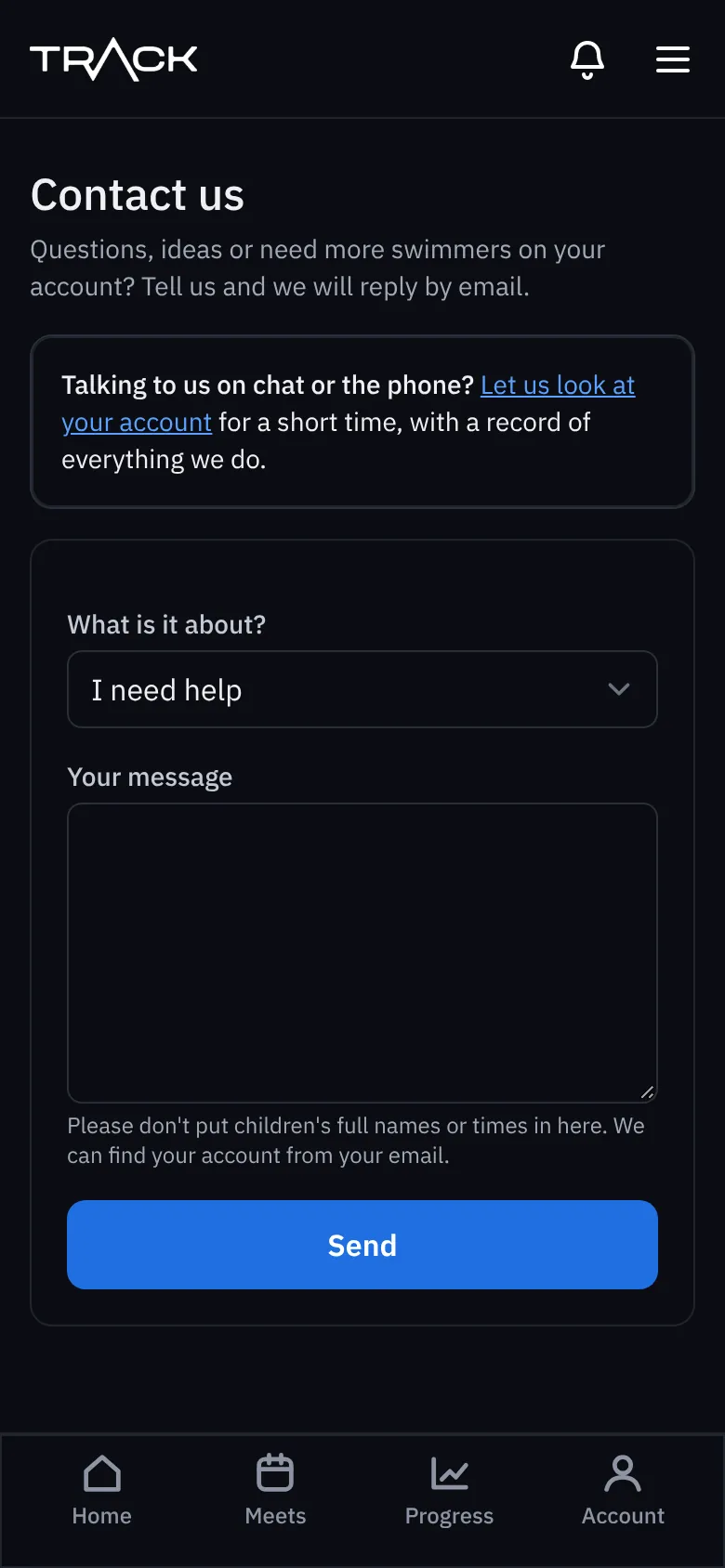
Please don't put children's full names or times in your message. We can find your account from your email.
Let us look at your account
If we're helping you by chat or phone, you can let us into your account for 60 minutes so we can see what you see and fix things.
- On the Contact us page, press Let us look at your account.
- Read what it allows and what it never allows.
- Tick the box and press Grant support access.
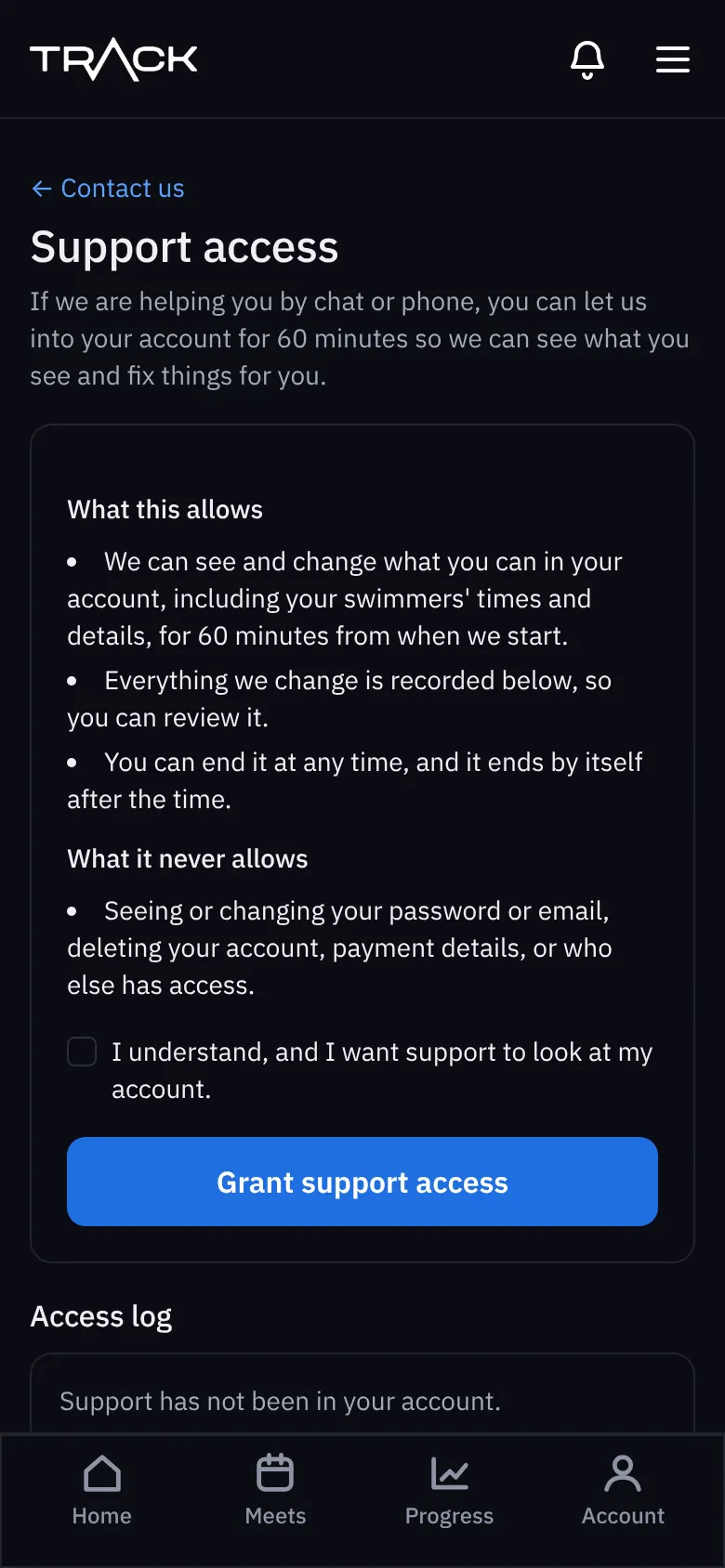
It ends by itself after 60 minutes, or press to end it sooner. Everything we change is listed in the access log on that page. We can never see or change your password or email, delete your account, see payment details, or change who has access.